YouGooDai
Mobile of the Day

YouGooDai

5.0 FREE
  • Screenshot 1
  • Screenshot 2
  • Screenshot 3

Description

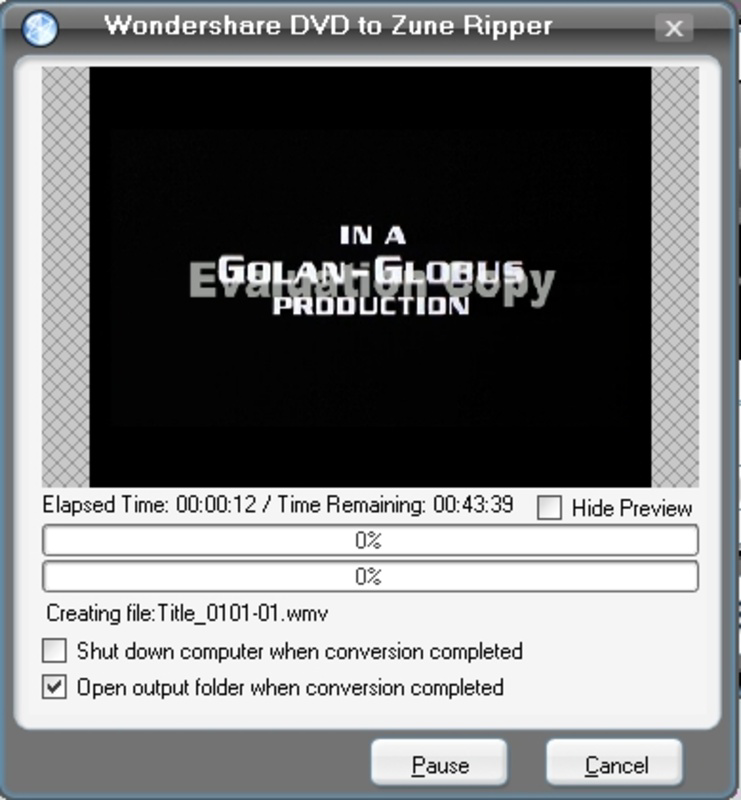
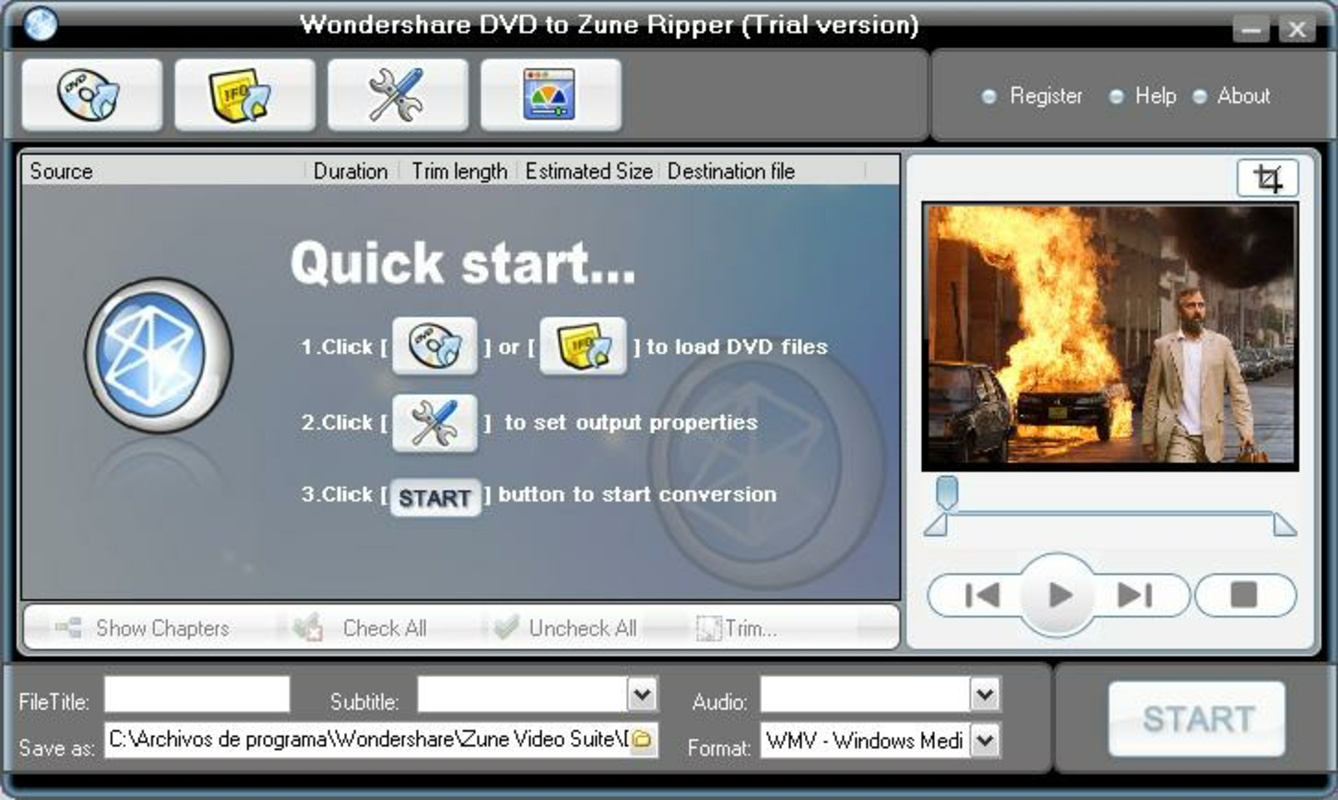
About Wondershare Zune Video SuiteWondershare Zune Video Suite is an essential tool for anyone who owns a Zune, Microsoft’s pocket MP3 player. With features that allow users to convert multiple video formats as well as rip DVDs into Zune-compatible files, this suite stands out in its ability to make diverse media accessible on a portable device. The application supports a vast range of formats, ensuring that you can enjoy your favorite videos on the go. Whether it's DVDs or various video files, Wondershare Zune Video Suite simplifies the conversion process seamlessly. Features of Wondershare Zune Video Suite - DVD Ripping Capability: The Wondershare DVD to Zune Ripper allows users to extract video content from DVDs quickly and easily. It supports multiple file types, including DVD, IFO, and VOB formats. This feature ensures that users can enjoy their favorite movies directly on their Zune device without additional hassle. Ripping DVDs has never been more straightforward. - Wide Format Support: The Video to Zune Converter supports a broad array of video formats, including AVI, DivX, XviD, WMV, MPEG, MPG, DAT, RM, RMVB, MOV, and ASF. This wide compatibility means you can convert almost any video file for playback on your Zune. The versatility makes it a notable choice for users looking to manage diverse media collections. - User-Friendly Interface: Wondershare Zune Video Suite features an intuitive interface designed for ease of use. Users can quickly navigate through the conversion process without needing extensive technical knowledge. This user-friendly design minimizes the learning curve, allowing even beginners to utilize the suite effectively. - High-Quality Output: The suite ensures high-quality conversions, preserving video quality during the format conversion process. Whether ripping DVDs or converting videos, users can expect clear and vibrant output on their Zune devices. This quality assurance makes it an attractive option for those who prioritize visual fidelity in their media. - Fast Conversion Speeds: Wondershare Zune Video Suite boasts impressive conversion speeds, allowing users to quickly get their videos ready for playback. This efficiency is particularly beneficial for those who want to minimize waiting time and quickly transfer media to their Zune. Fast processing ensures productivity without sacrificing output quality. Release Date of Wondershare Zune Video Suite 2009-08-05Reviewed by Eddie C. ReardonShow MoreShow Less

Guides & Tutorials for Wondershare Zune Video Suite

How to install Wondershare Zune Video Suite
  1. Click the Preview / Download button above.
  2. Once redirected, accept the terms and click Install.
  3. Wait for the Wondershare Zune Video Suite download to finish on your device.
How to use Wondershare Zune Video Suite

This software is primarily used for its core features described above. Open the app after installation to explore its capabilities.

User Reviews for Wondershare Zune Video Suite 0

    No reviews found

Similar Apps
